Plugable Thunderbolt™ 3 Dual DisplayPort Adapter for Windows
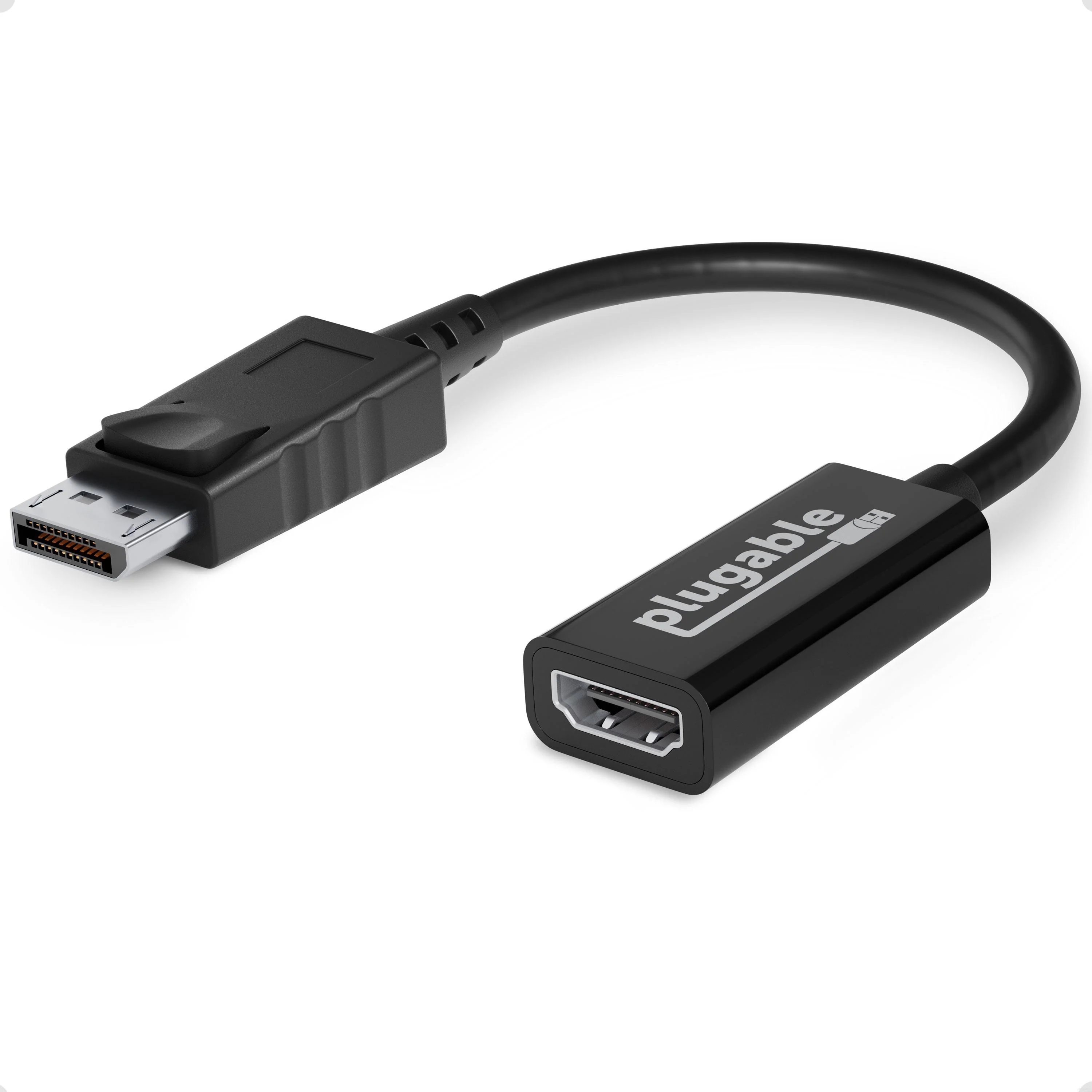
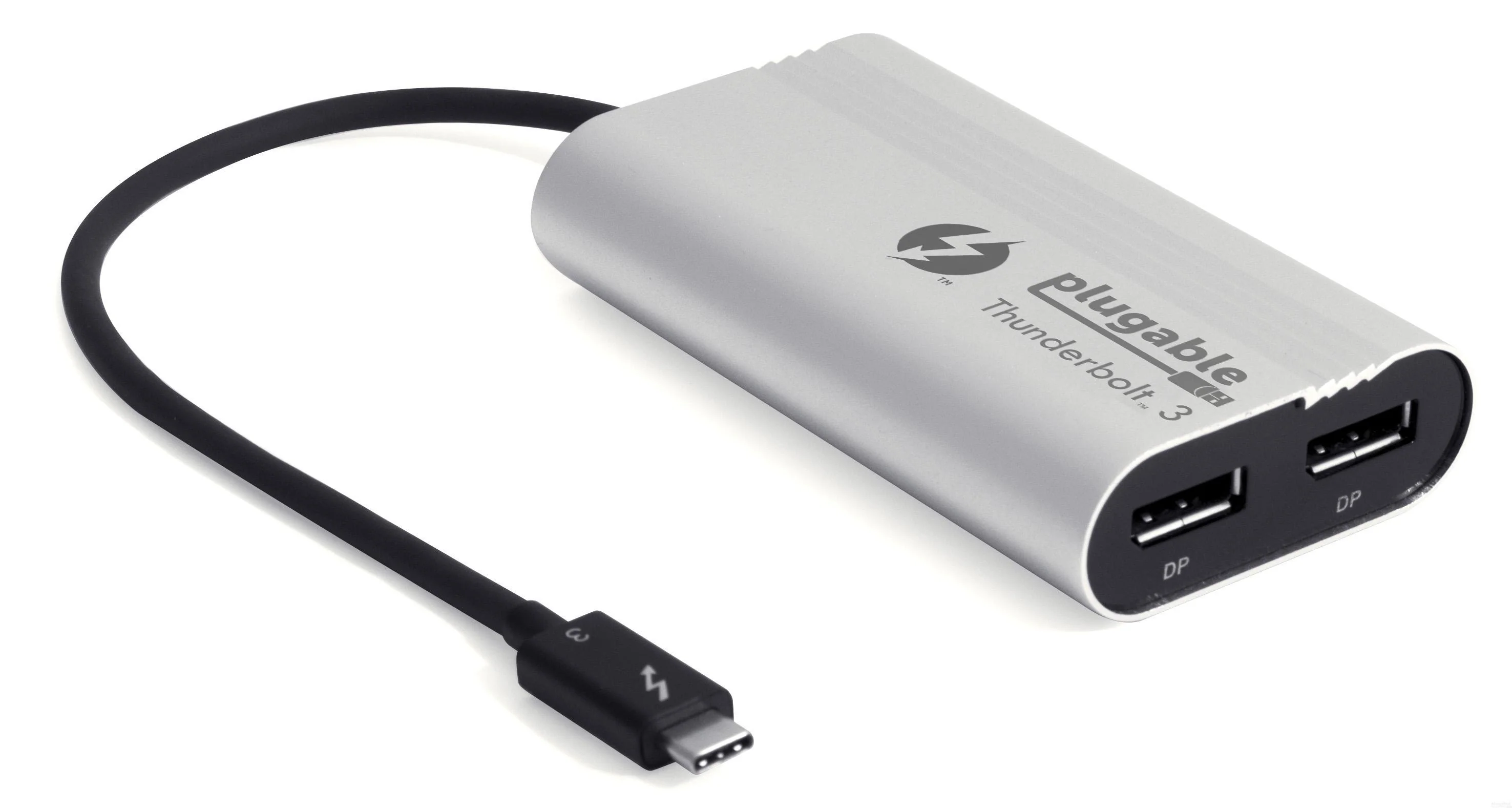
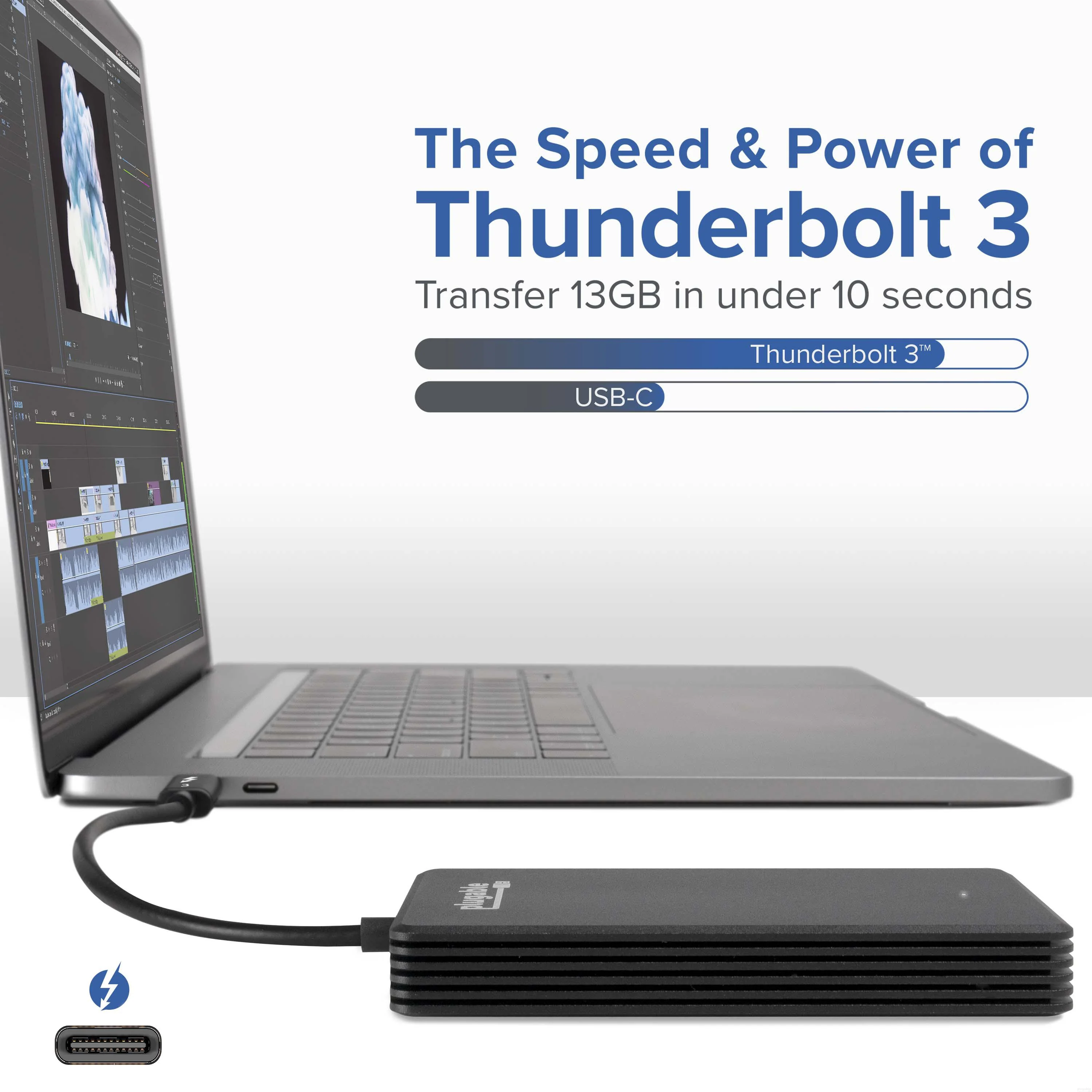
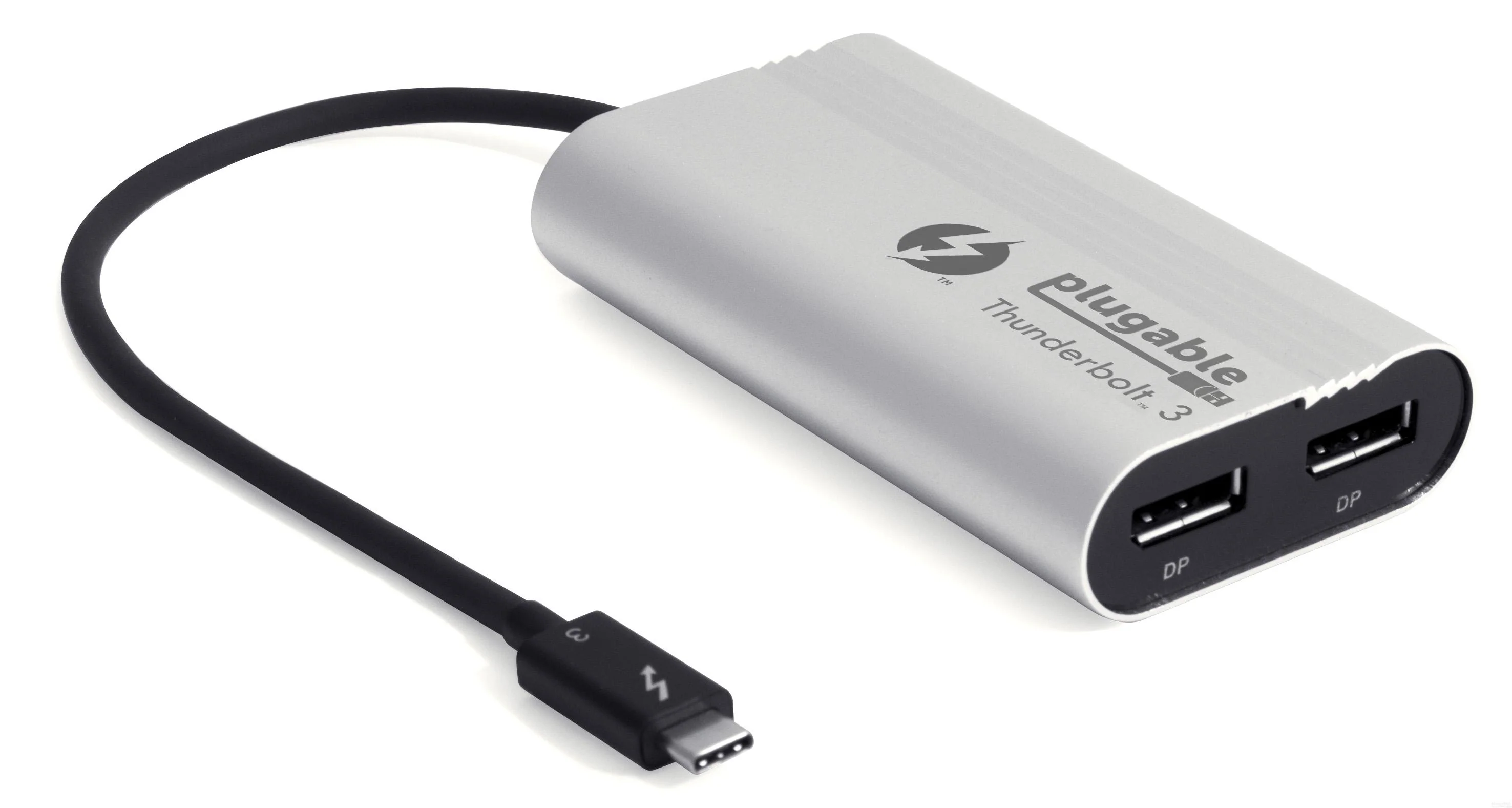
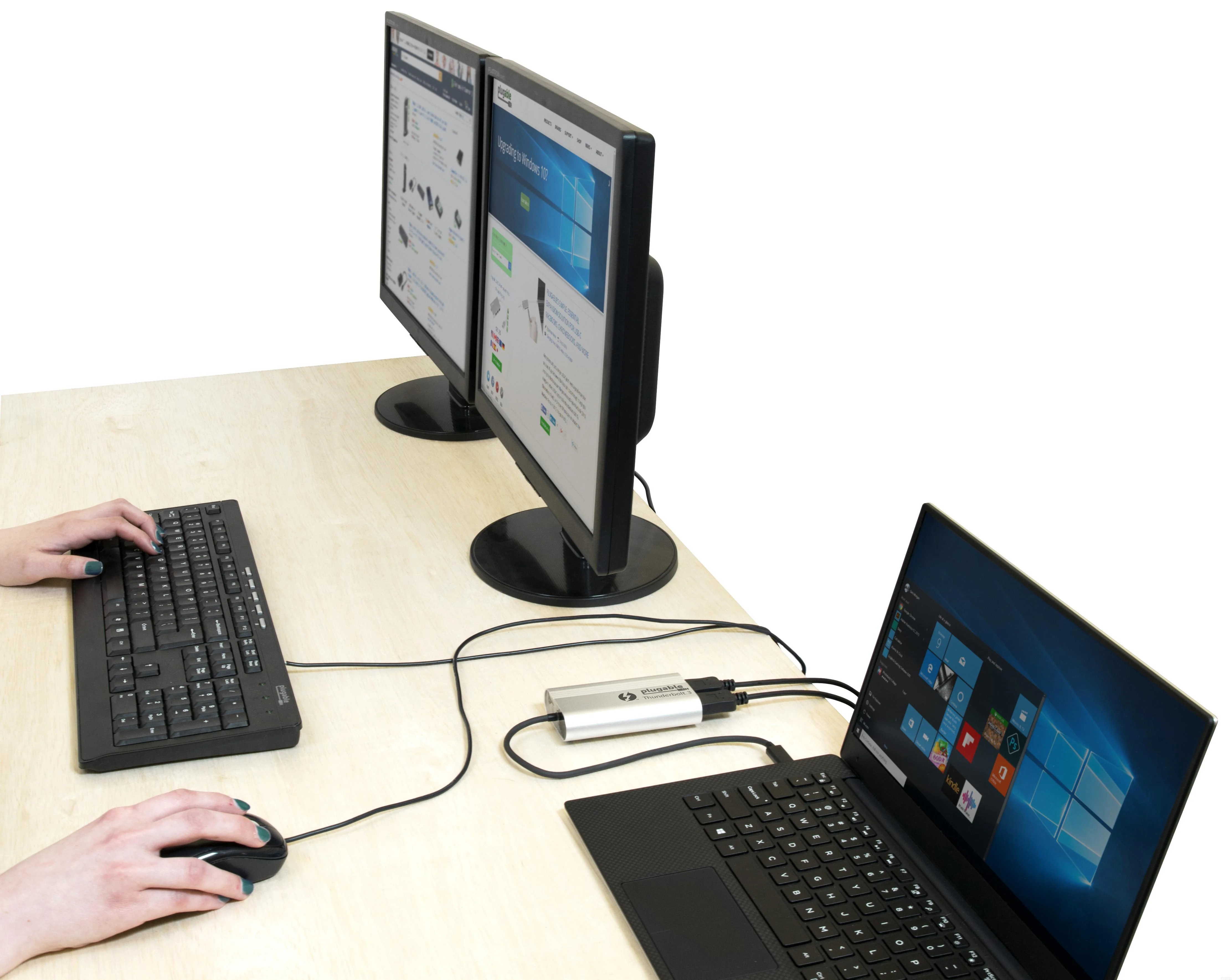
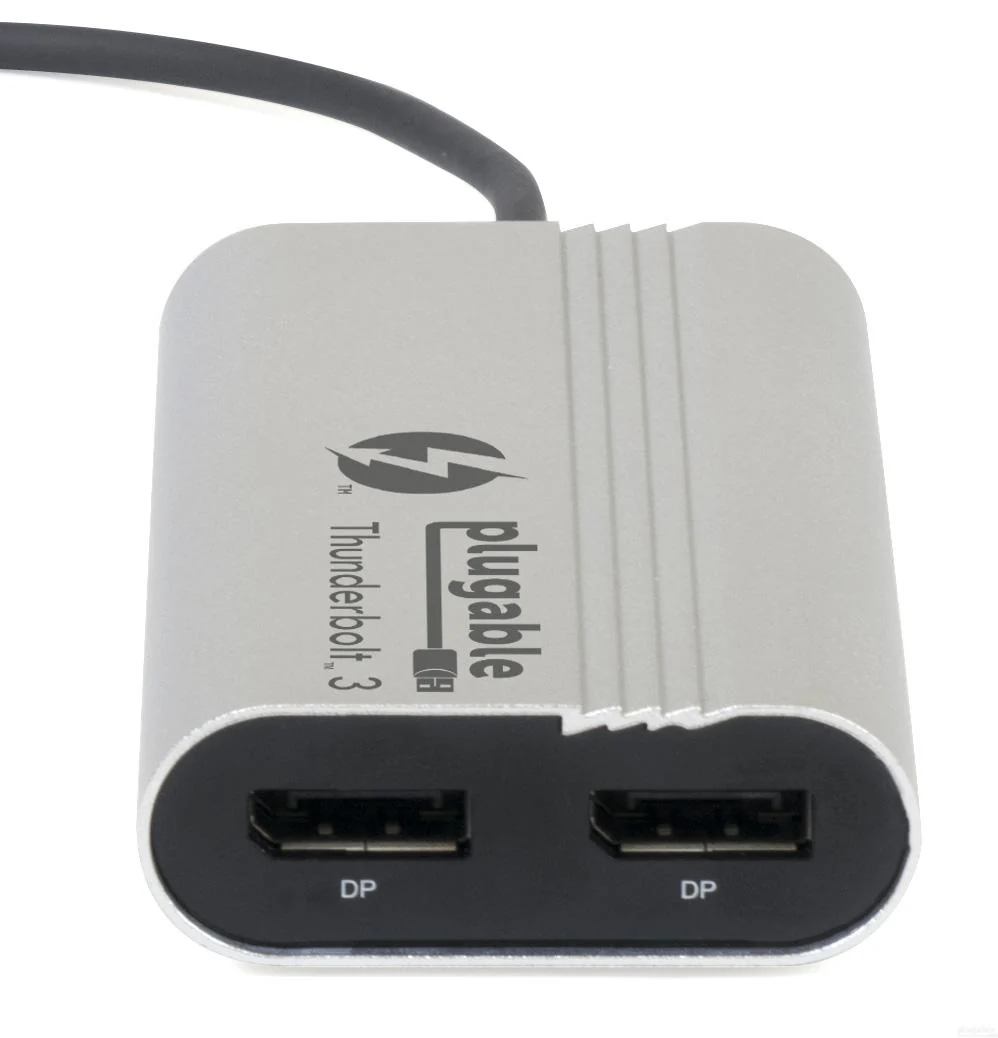
Leveraging 40Gbps of bandwidth made possible by Intel's Thunderbolt 3 technology, Plugable's Dual DisplayPort Adapter enables users to connect two additional displays with native graphics performance. Supports up to two additional 4K displays (or a single 5k display) with 60Hz refresh rates. Thunderbolt 3-attached displays tap directly into the power of your system's GPU to enable high-performance, low-latency output without utilizing additional system resources.
Not all Thunderbolt 3 systems are compatible with dual display graphics adapters.
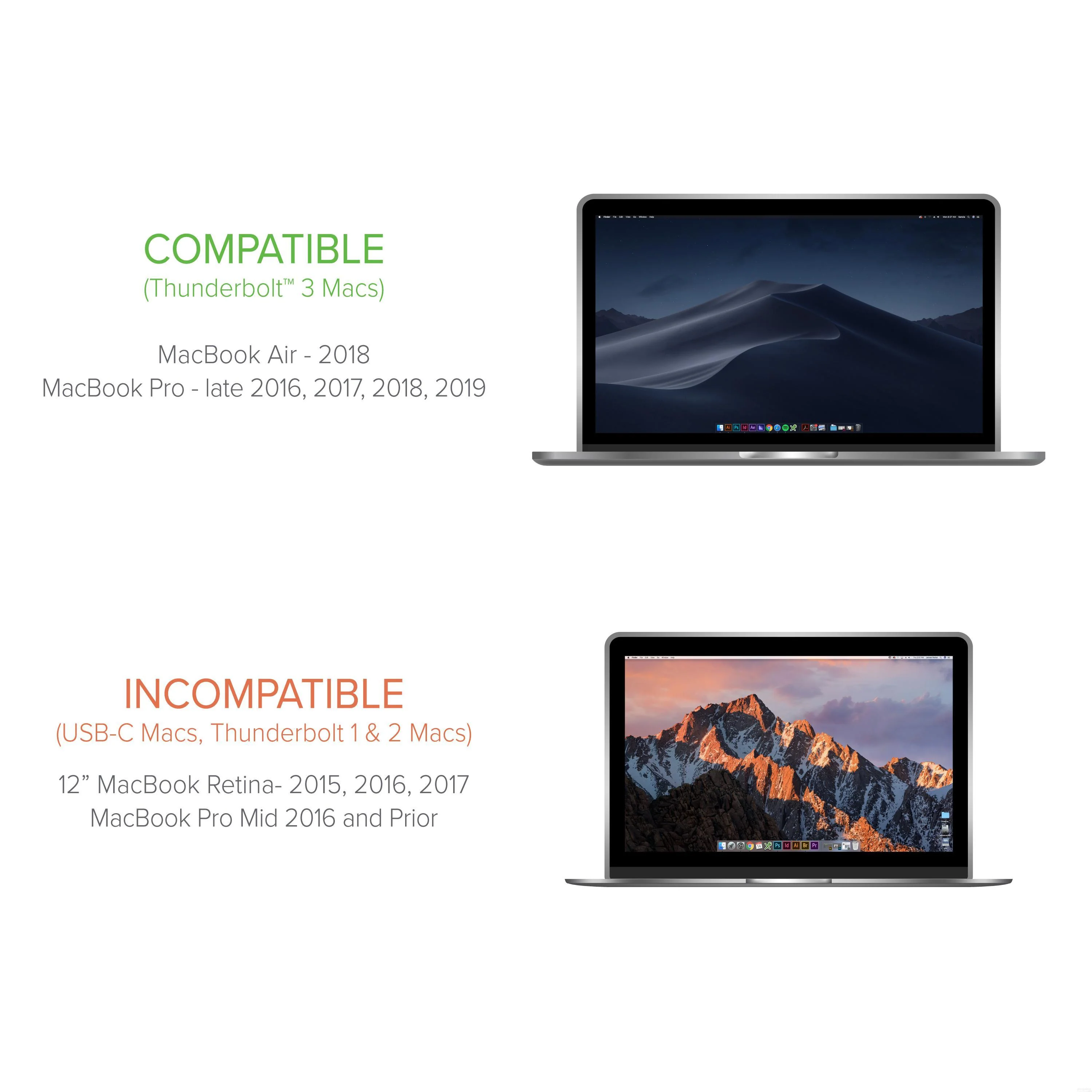
Compatible Systems
For both graphics adapter outputs to function, system manufacturer must have routed two DisplayPort lines to the Thunderbolt 3 port(s). This is an engineering decision made by your system manufacturer. Currently only Dell and HP Thunderbolt 3 systems meet this requirement but more compatible Thunderbolt 3 systems are expected in the future.
Tested/validated with:
Dell XPS 13 9350 & XPS 15 9550
HP Elite X2 1012 G1
Requires updated system BIOS, Thunderbolt 3 drivers, and Thunderbolt 3 firmware installed on host system.
Non-compatible Systems
Will not function when attached to a non-Thunderbolt 3 USB-C port
As mentioned above, most current non-Dell, non-HP Thunderbolt 3 systems are not compatible due to a limited number of DisplayPort lines routed to the Thunderbolt 3 port.
Usage with non-DisplayPort Displays
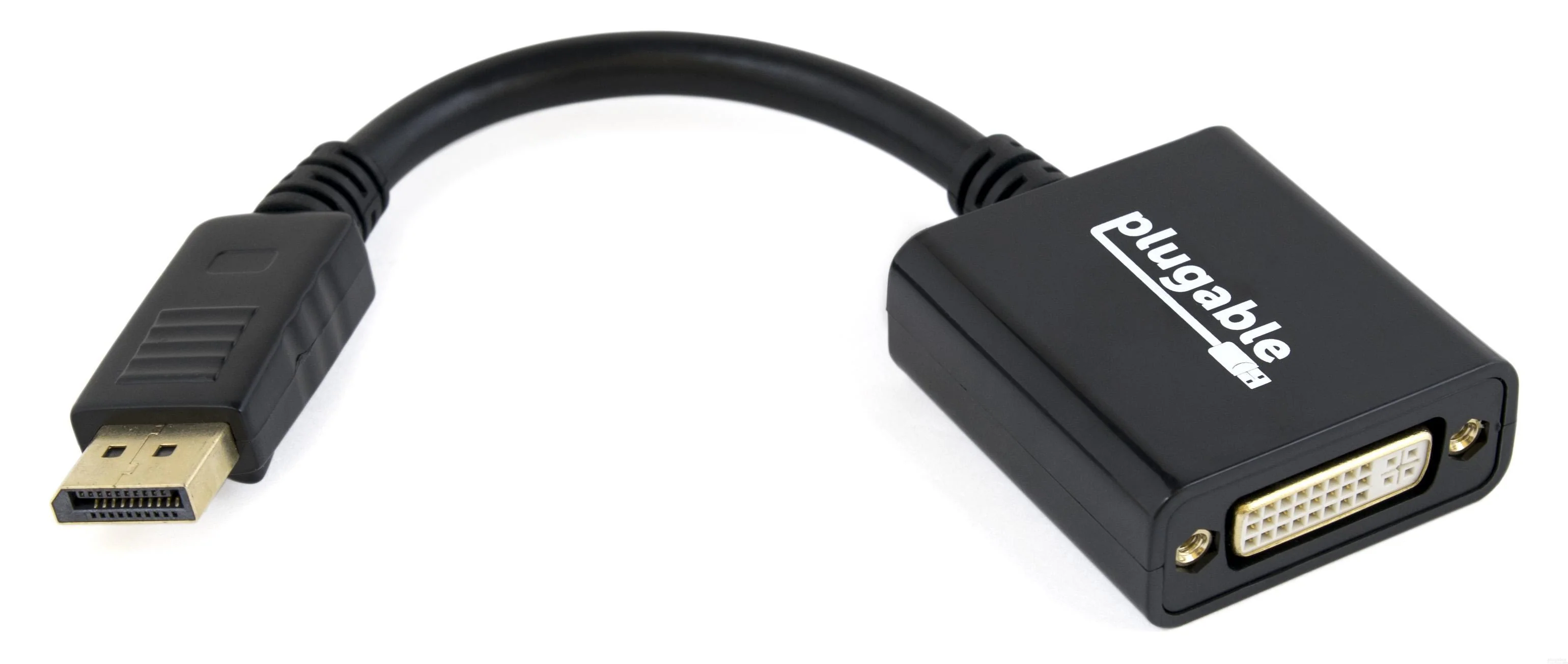
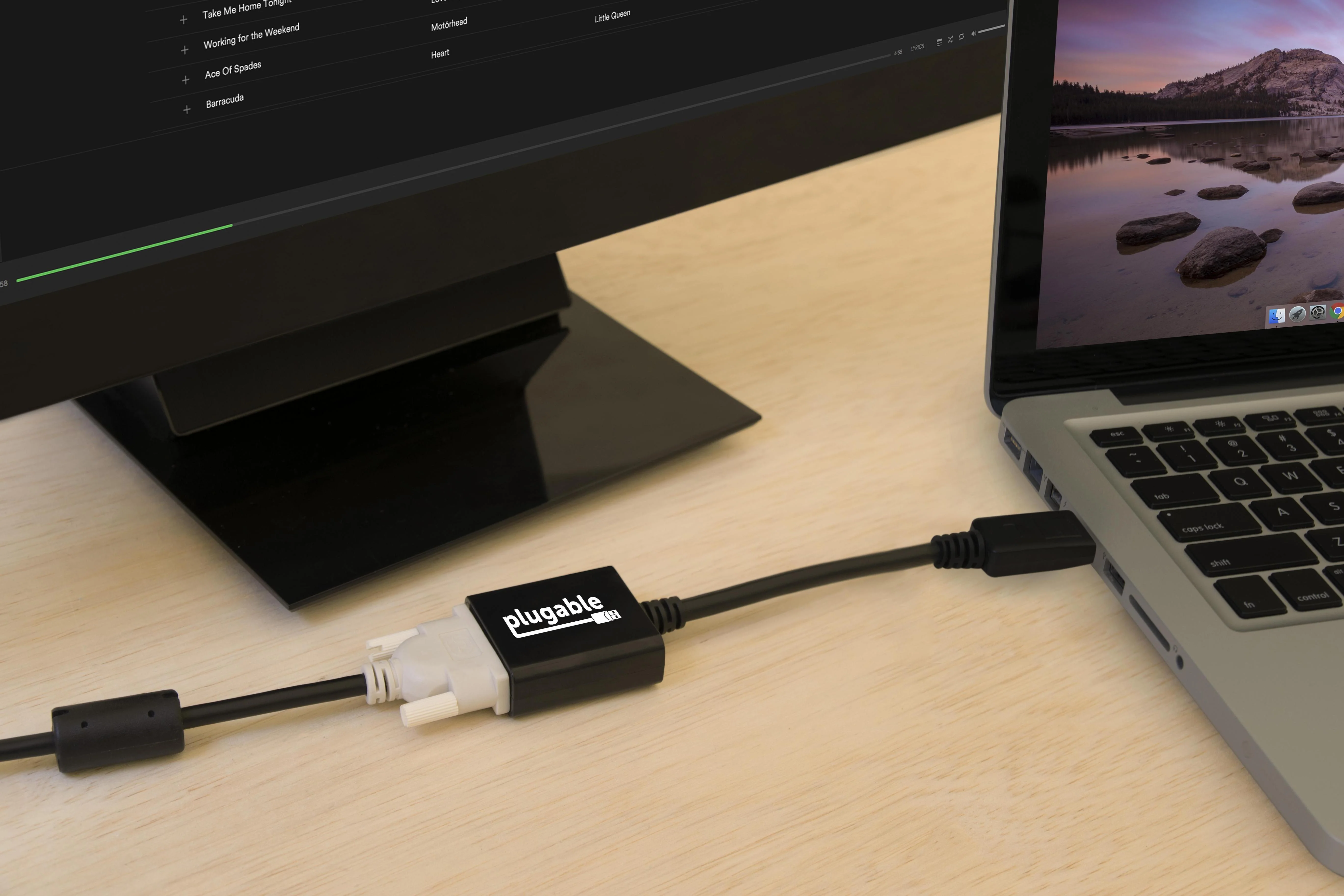
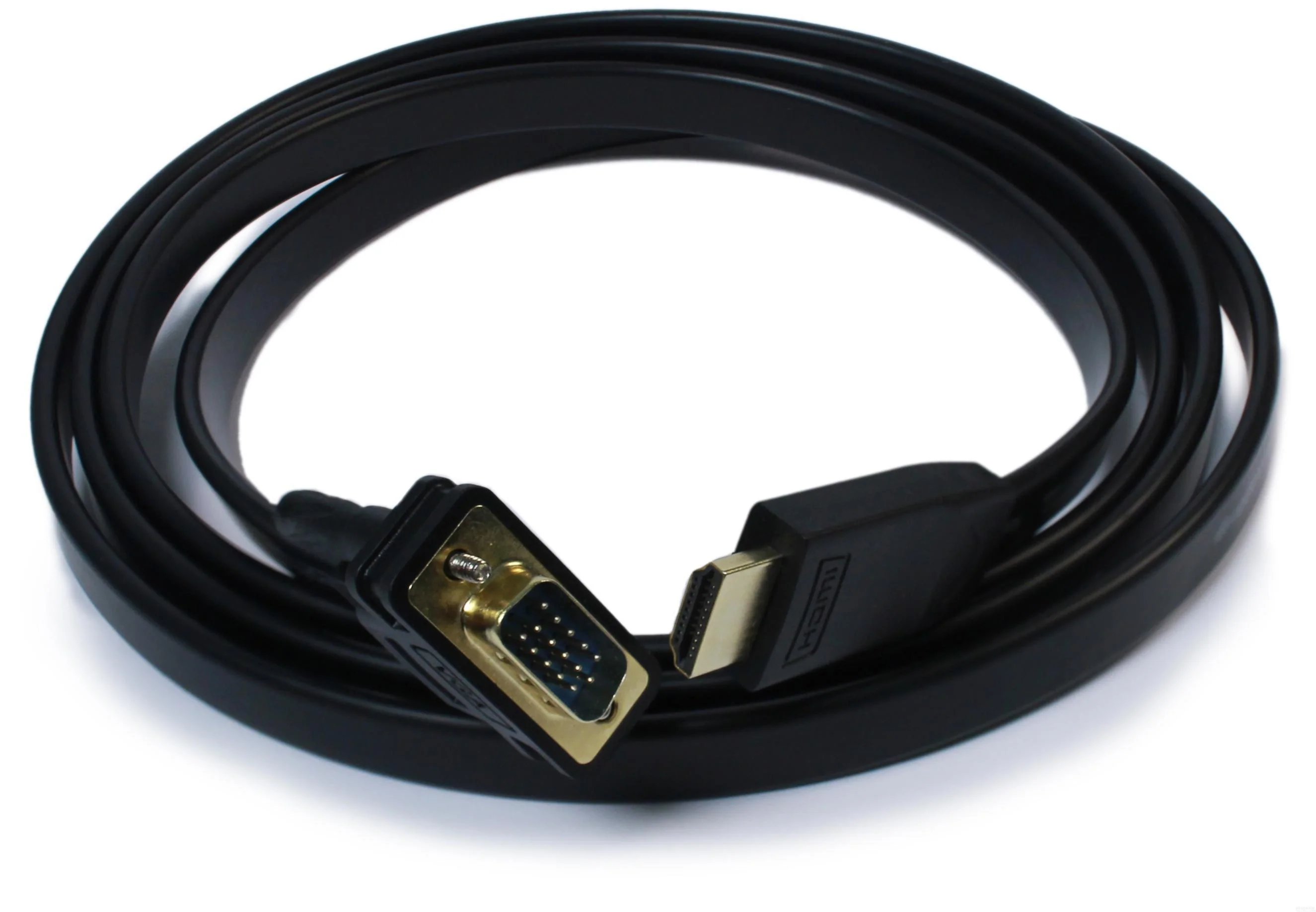
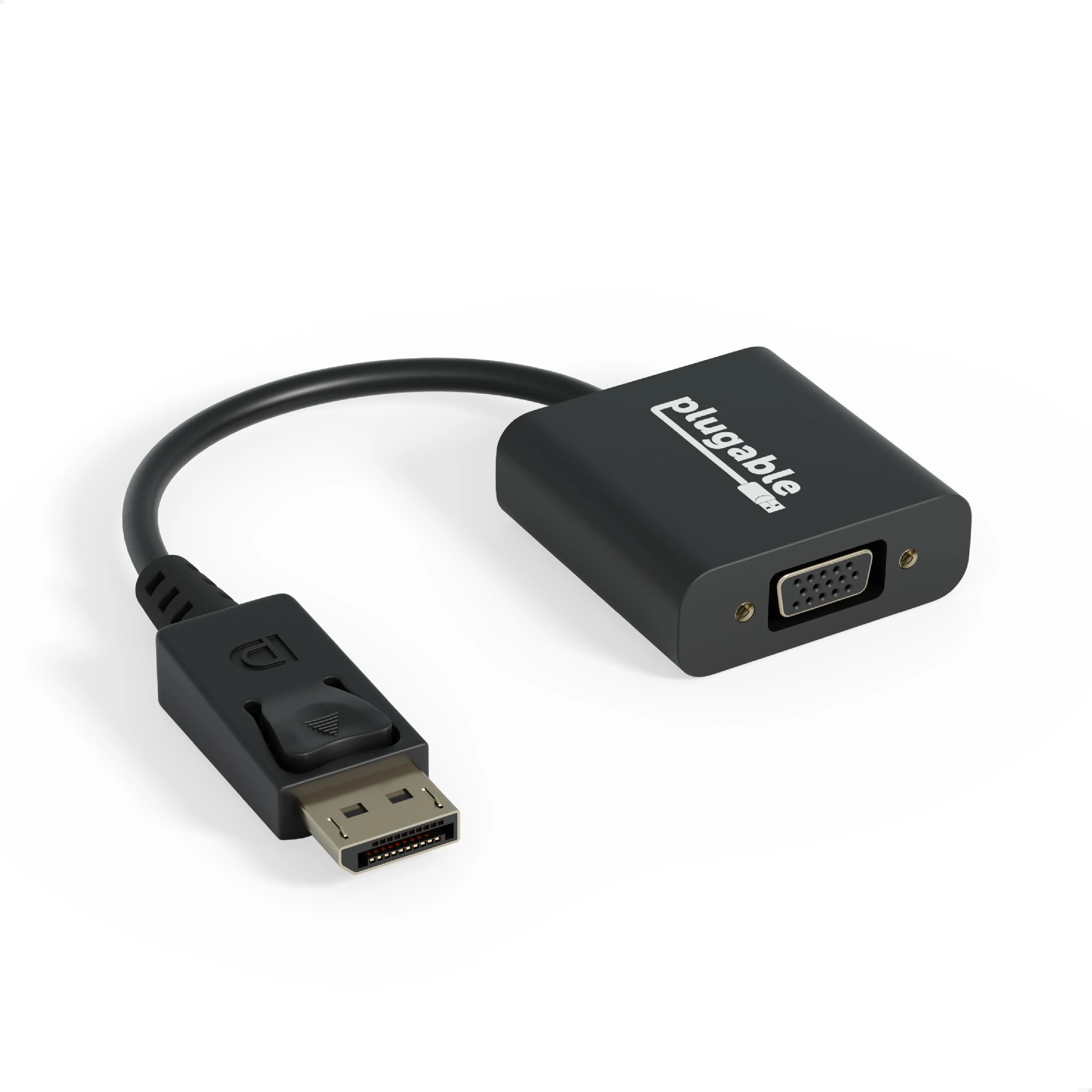
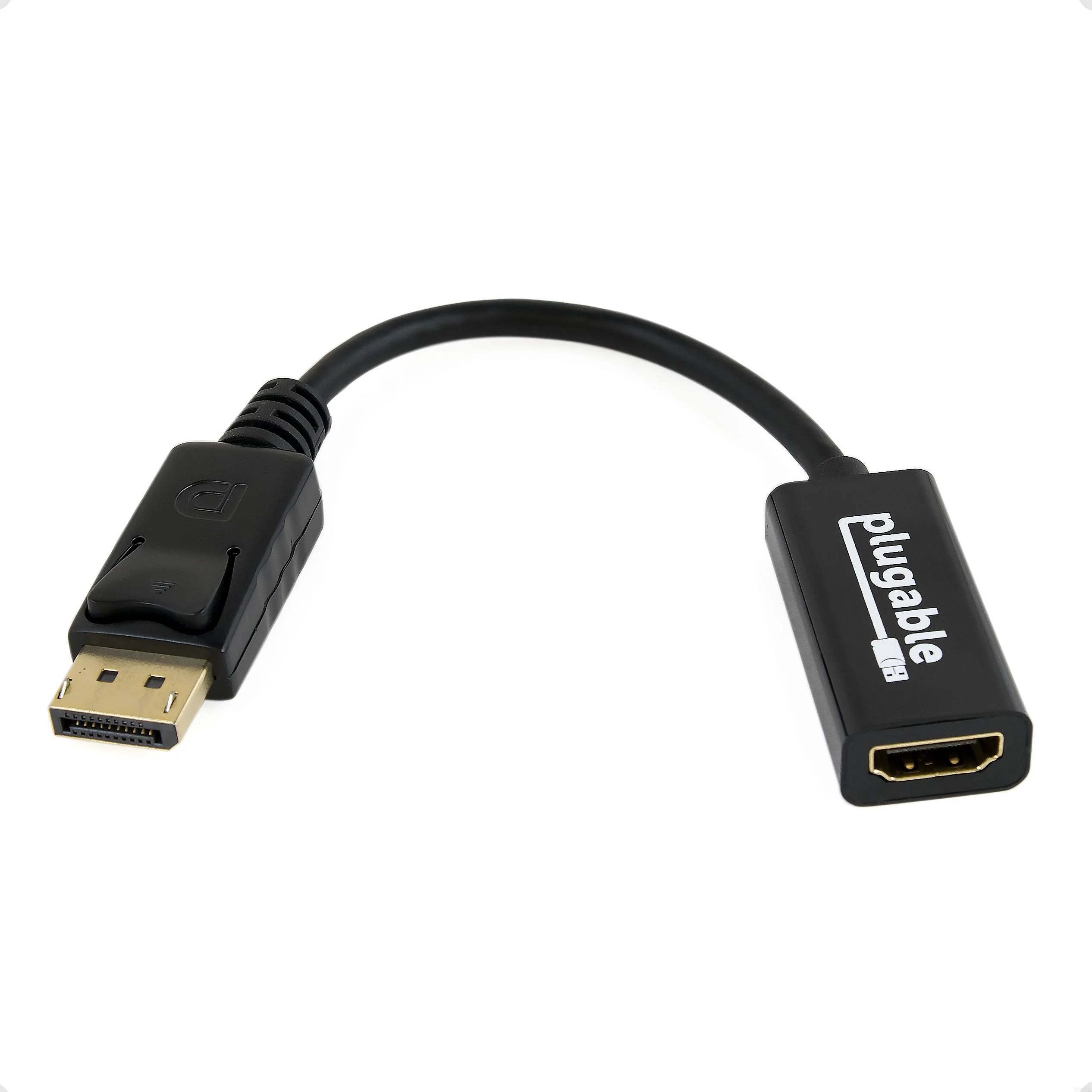
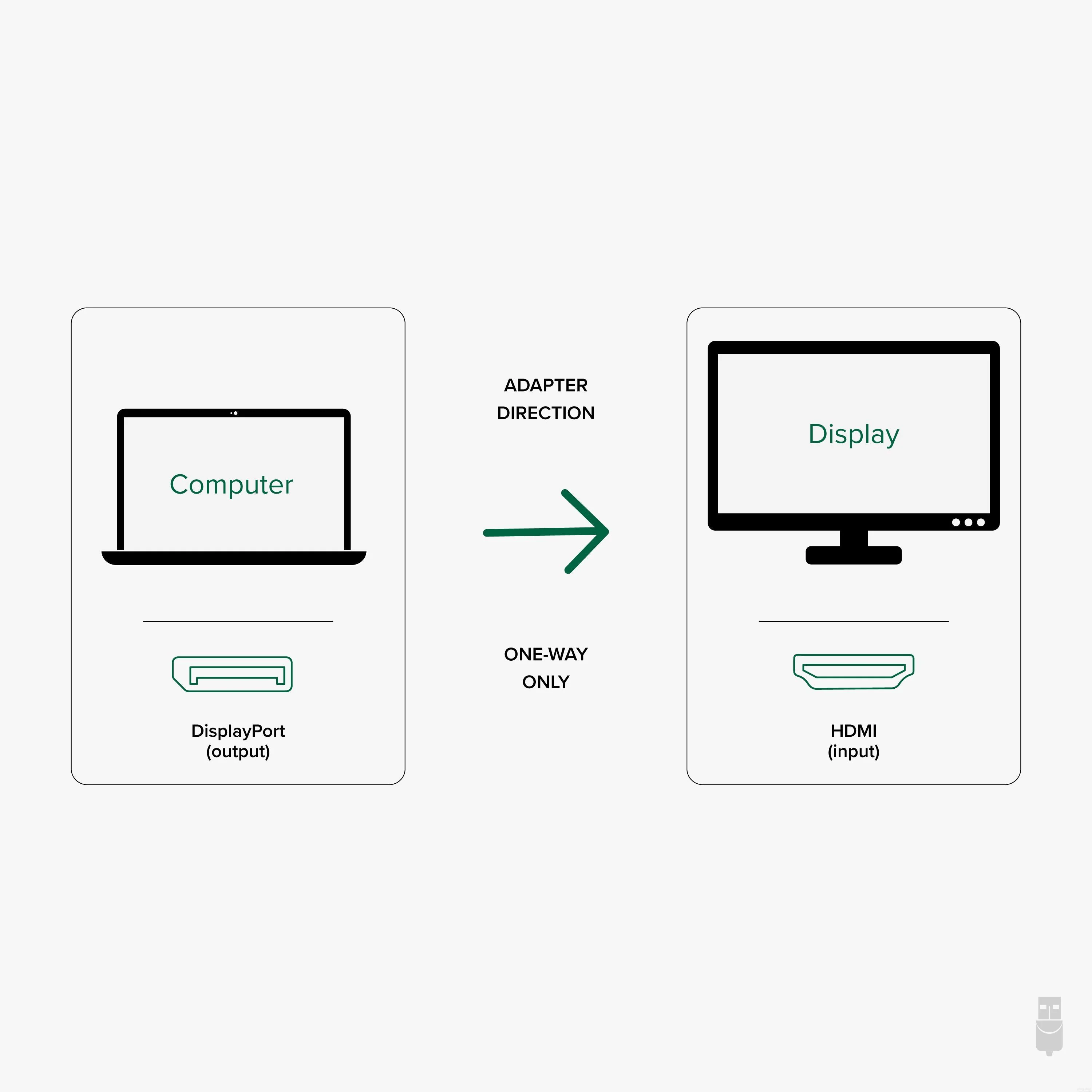
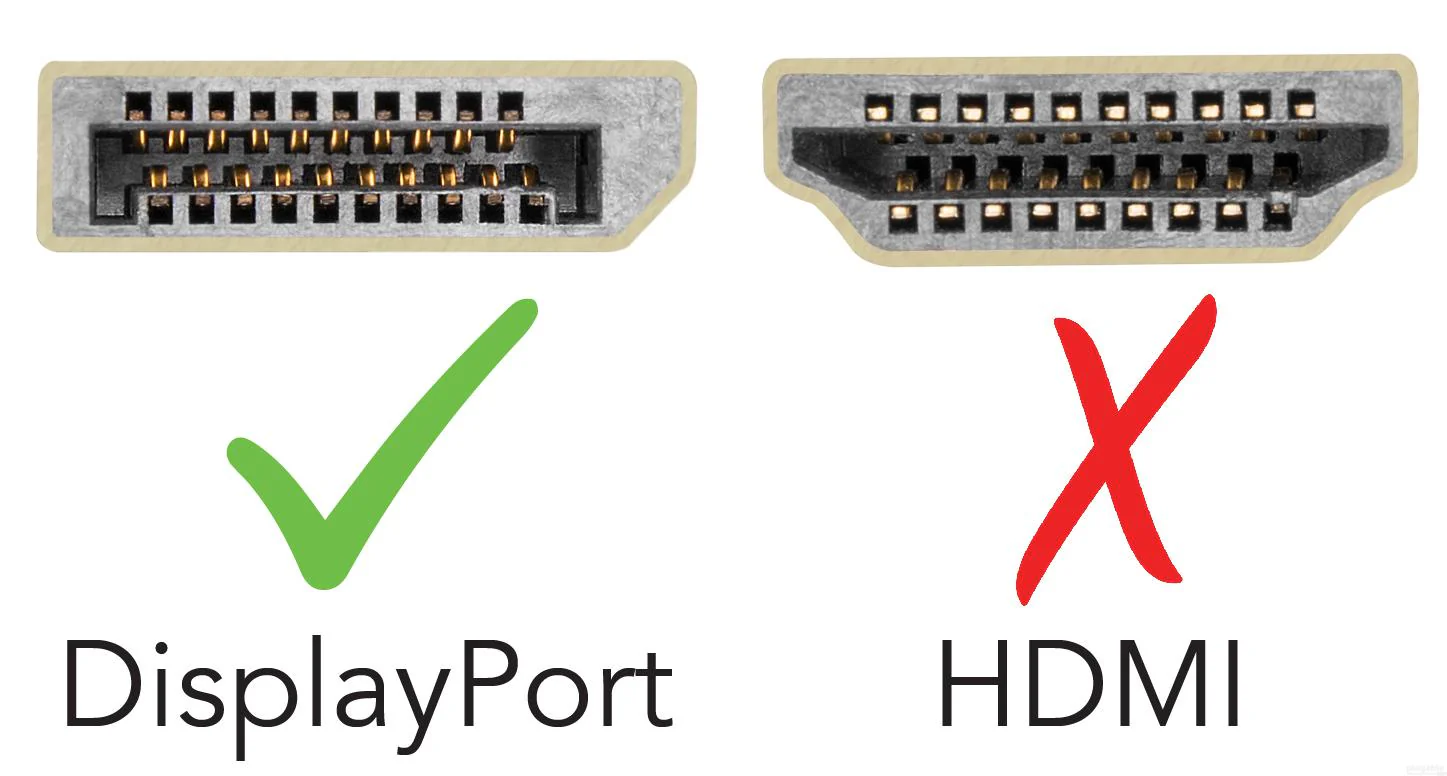
Conversion to HDMI/DVI /VGA can only be done with active adapters (not inexpensive DP++ passive adapters).
In the Box
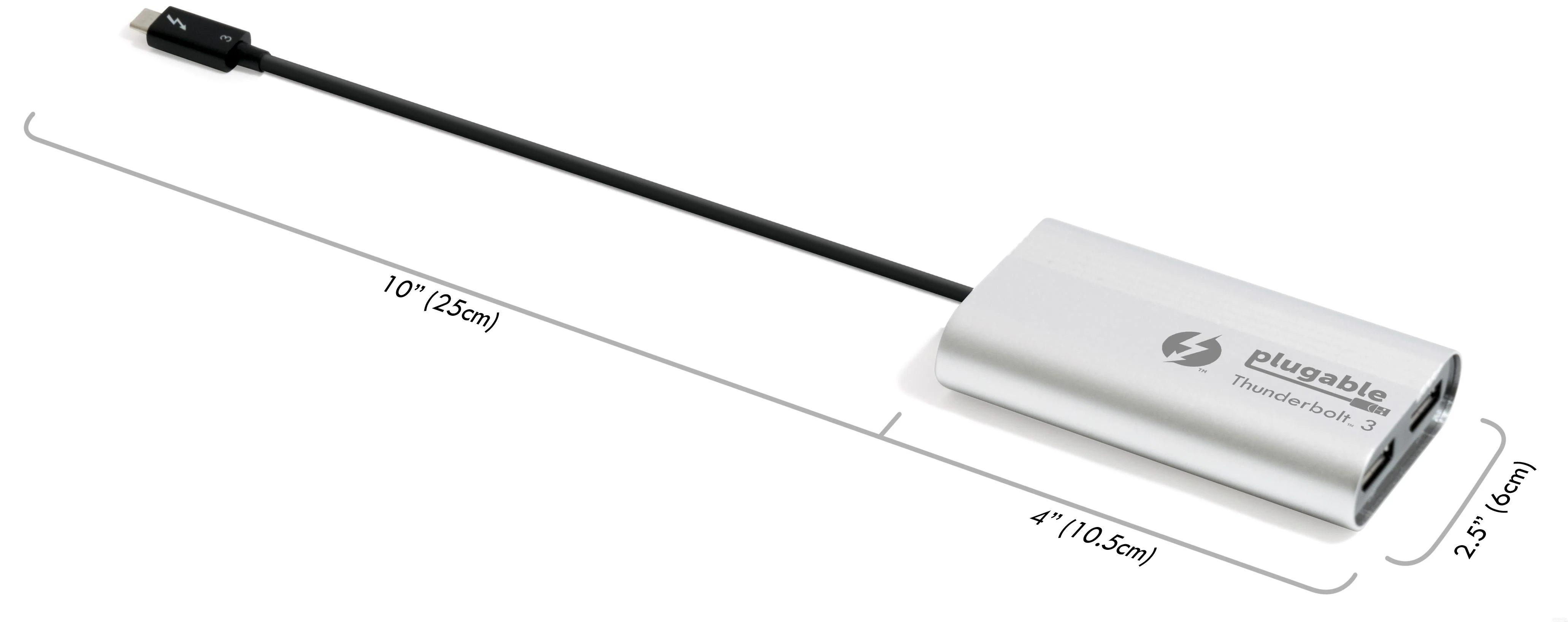
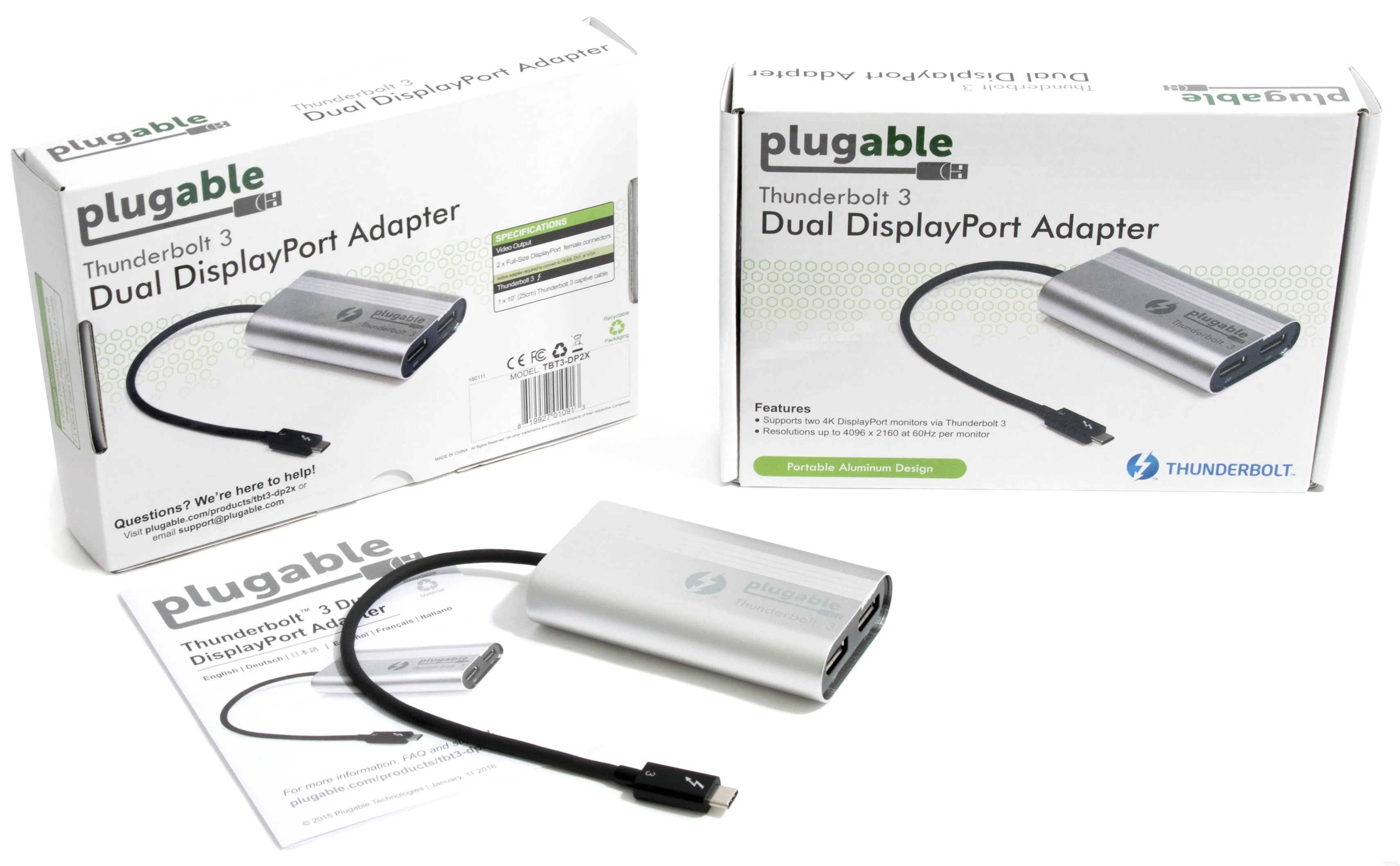
1x Plugable TBT3-DP2X w/ built-in 10 inch (25 cm) Thunderbolt 3 USB-C cable and quick-install guide.
Not all Thunderbolt 3 systems are compatible with dual display graphics adapters.
Compatible Systems
For both graphics adapter outputs to function, system manufacturer must have routed two DisplayPort lines to the Thunderbolt 3 port(s). This is an engineering decision made by your system manufacturer. Currently only Dell and HP Thunderbolt 3 systems meet this requirement but more compatible Thunderbolt 3 systems are expected in the future.
Tested/validated with:
Dell XPS 13 9350 & XPS 15 9550
HP Elite X2 1012 G1
Requires updated system BIOS, Thunderbolt 3 drivers, and Thunderbolt 3 firmware installed on host system.
Non-compatible Systems
Will not function when attached to a non-Thunderbolt 3 USB-C port
As mentioned above, most current non-Dell, non-HP Thunderbolt 3 systems are not compatible due to a limited number of DisplayPort lines routed to the Thunderbolt 3 port.
Usage with non-DisplayPort Displays
Conversion to HDMI/DVI /VGA can only be done with active adapters (not inexpensive DP++ passive adapters).
In the Box
1x Plugable TBT3-DP2X w/ built-in 10 inch (25 cm) Thunderbolt 3 USB-C cable and quick-install guide.
Product Information
Product Information
Shipping & Returns
Shipping & Returns

Plugable Thunderbolt™ 3 Dual DisplayPort Adapter for Windows
Plugable Thunderbolt™ 3 Dual DisplayPort Adapter for Windows
Leveraging 40Gbps of bandwidth made possible by Intel's Thunderbolt 3 technology, Plugable's Dual DisplayPort Adapter enables users to connect two additional displays with native graphics performance. Supports up to two additional 4K displays (or a single 5k display) with 60Hz refresh rates. Thunderbolt 3-attached displays tap directly into the power of your system's GPU to enable high-performance, low-latency output without utilizing additional system resources.
Not all Thunderbolt 3 systems are compatible with dual display graphics adapters.
Compatible Systems
For both graphics adapter outputs to function, system manufacturer must have routed two DisplayPort lines to the Thunderbolt 3 port(s). This is an engineering decision made by your system manufacturer. Currently only Dell and HP Thunderbolt 3 systems meet this requirement but more compatible Thunderbolt 3 systems are expected in the future.
Tested/validated with:
Dell XPS 13 9350 & XPS 15 9550
HP Elite X2 1012 G1
Requires updated system BIOS, Thunderbolt 3 drivers, and Thunderbolt 3 firmware installed on host system.
Non-compatible Systems
Will not function when attached to a non-Thunderbolt 3 USB-C port
As mentioned above, most current non-Dell, non-HP Thunderbolt 3 systems are not compatible due to a limited number of DisplayPort lines routed to the Thunderbolt 3 port.
Usage with non-DisplayPort Displays
Conversion to HDMI/DVI /VGA can only be done with active adapters (not inexpensive DP++ passive adapters).
In the Box
1x Plugable TBT3-DP2X w/ built-in 10 inch (25 cm) Thunderbolt 3 USB-C cable and quick-install guide.
Not all Thunderbolt 3 systems are compatible with dual display graphics adapters.
Compatible Systems
For both graphics adapter outputs to function, system manufacturer must have routed two DisplayPort lines to the Thunderbolt 3 port(s). This is an engineering decision made by your system manufacturer. Currently only Dell and HP Thunderbolt 3 systems meet this requirement but more compatible Thunderbolt 3 systems are expected in the future.
Tested/validated with:
Dell XPS 13 9350 & XPS 15 9550
HP Elite X2 1012 G1
Requires updated system BIOS, Thunderbolt 3 drivers, and Thunderbolt 3 firmware installed on host system.
Non-compatible Systems
Will not function when attached to a non-Thunderbolt 3 USB-C port
As mentioned above, most current non-Dell, non-HP Thunderbolt 3 systems are not compatible due to a limited number of DisplayPort lines routed to the Thunderbolt 3 port.
Usage with non-DisplayPort Displays
Conversion to HDMI/DVI /VGA can only be done with active adapters (not inexpensive DP++ passive adapters).
In the Box
1x Plugable TBT3-DP2X w/ built-in 10 inch (25 cm) Thunderbolt 3 USB-C cable and quick-install guide.
$69.95
Plugable Thunderbolt™ 3 Dual DisplayPort Adapter for Windows—
$69.95
Product Information
Product Information
Shipping & Returns
Shipping & Returns
Description
Leveraging 40Gbps of bandwidth made possible by Intel's Thunderbolt 3 technology, Plugable's Dual DisplayPort Adapter enables users to connect two additional displays with native graphics performance. Supports up to two additional 4K displays (or a single 5k display) with 60Hz refresh rates. Thunderbolt 3-attached displays tap directly into the power of your system's GPU to enable high-performance, low-latency output without utilizing additional system resources.
Not all Thunderbolt 3 systems are compatible with dual display graphics adapters.
Compatible Systems
For both graphics adapter outputs to function, system manufacturer must have routed two DisplayPort lines to the Thunderbolt 3 port(s). This is an engineering decision made by your system manufacturer. Currently only Dell and HP Thunderbolt 3 systems meet this requirement but more compatible Thunderbolt 3 systems are expected in the future.
Tested/validated with:
Dell XPS 13 9350 & XPS 15 9550
HP Elite X2 1012 G1
Requires updated system BIOS, Thunderbolt 3 drivers, and Thunderbolt 3 firmware installed on host system.
Non-compatible Systems
Will not function when attached to a non-Thunderbolt 3 USB-C port
As mentioned above, most current non-Dell, non-HP Thunderbolt 3 systems are not compatible due to a limited number of DisplayPort lines routed to the Thunderbolt 3 port.
Usage with non-DisplayPort Displays
Conversion to HDMI/DVI /VGA can only be done with active adapters (not inexpensive DP++ passive adapters).
In the Box
1x Plugable TBT3-DP2X w/ built-in 10 inch (25 cm) Thunderbolt 3 USB-C cable and quick-install guide.
Not all Thunderbolt 3 systems are compatible with dual display graphics adapters.
Compatible Systems
For both graphics adapter outputs to function, system manufacturer must have routed two DisplayPort lines to the Thunderbolt 3 port(s). This is an engineering decision made by your system manufacturer. Currently only Dell and HP Thunderbolt 3 systems meet this requirement but more compatible Thunderbolt 3 systems are expected in the future.
Tested/validated with:
Dell XPS 13 9350 & XPS 15 9550
HP Elite X2 1012 G1
Requires updated system BIOS, Thunderbolt 3 drivers, and Thunderbolt 3 firmware installed on host system.
Non-compatible Systems
Will not function when attached to a non-Thunderbolt 3 USB-C port
As mentioned above, most current non-Dell, non-HP Thunderbolt 3 systems are not compatible due to a limited number of DisplayPort lines routed to the Thunderbolt 3 port.
Usage with non-DisplayPort Displays
Conversion to HDMI/DVI /VGA can only be done with active adapters (not inexpensive DP++ passive adapters).
In the Box
1x Plugable TBT3-DP2X w/ built-in 10 inch (25 cm) Thunderbolt 3 USB-C cable and quick-install guide.